Ottervale · An auto insurer
Insurance onboarding, built on the VIN
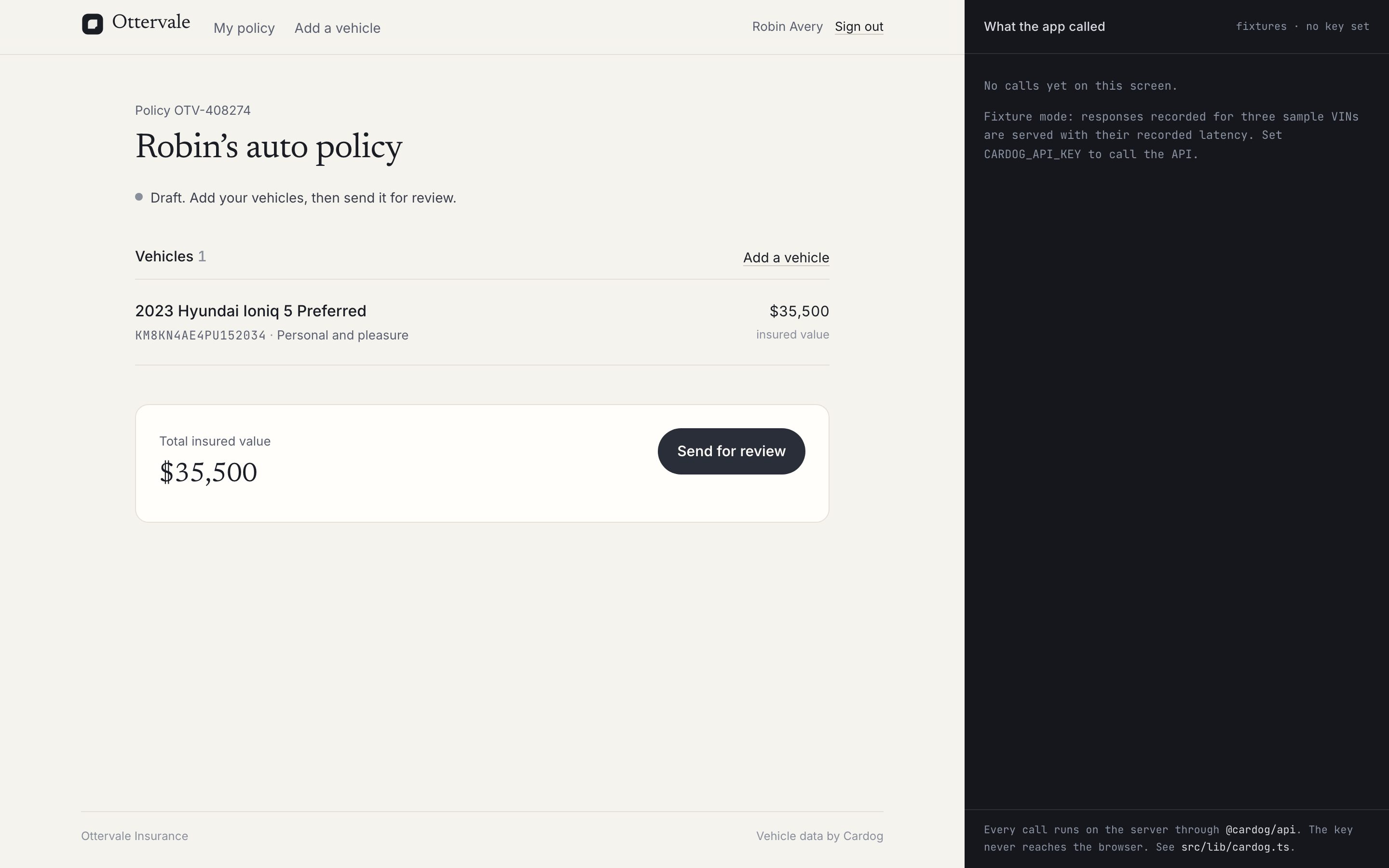
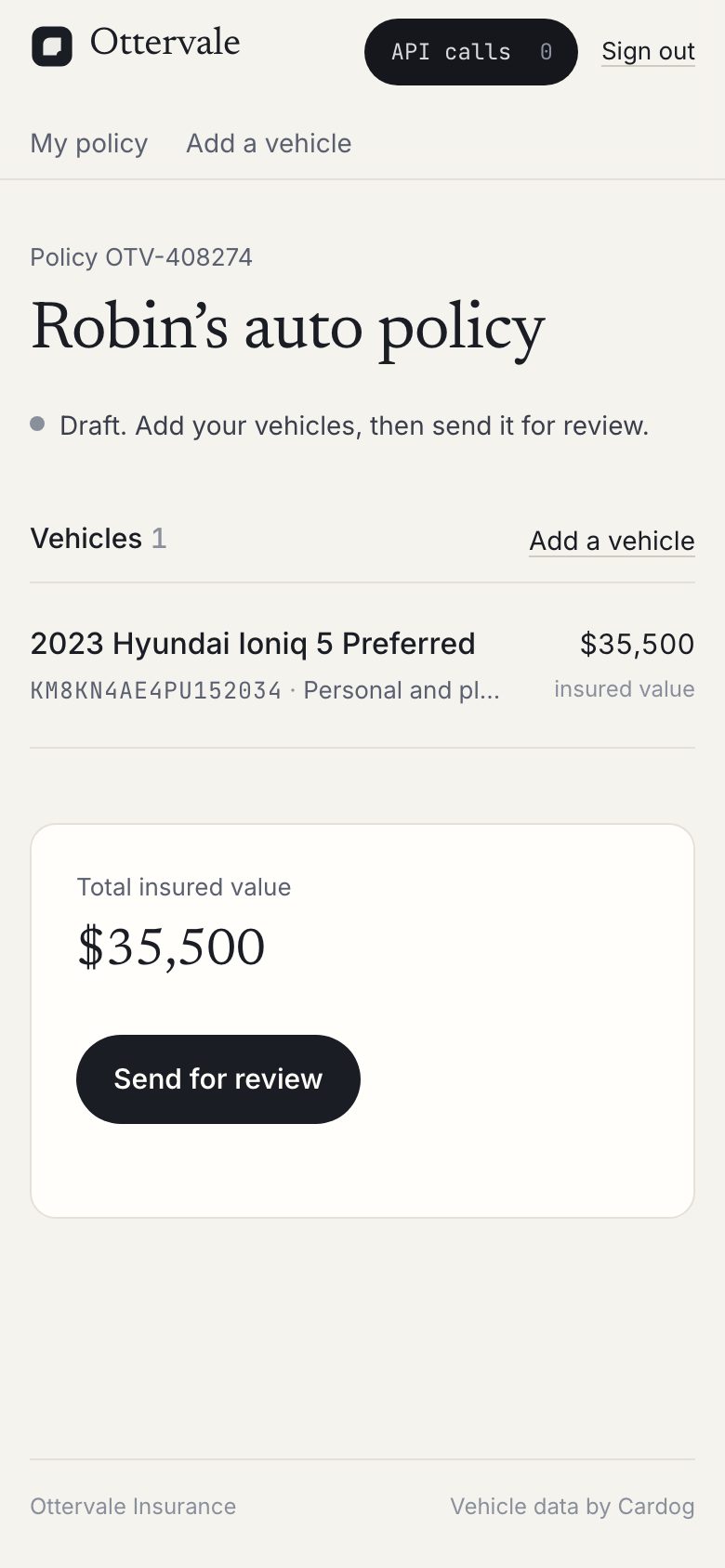
Applicants add a car by VIN and an underwriter reviews a prefilled file.
About 45 minutes, or 5 to clone and run.You need Node 20 or later and pnpm, a Cardog API key, some Next.jsClone the finished appgit clone https://github.com/cardog-ai/example-insurance-onboarding.gitRead the build guide
Ottervale
The details screen fills itself
Safety equipment and crash ratings arrive from the VIN, each with its source.
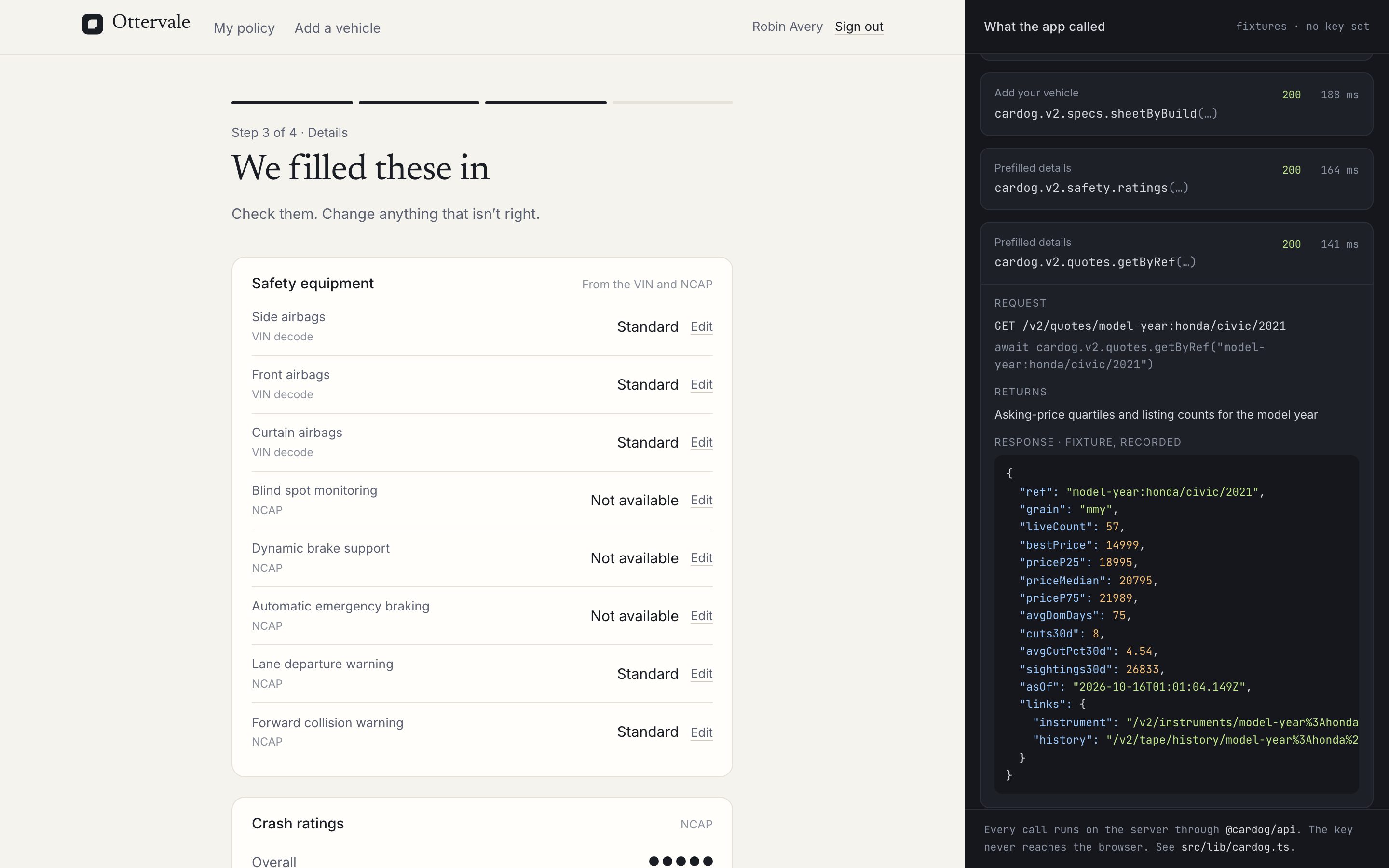
Equipment from the VIN
Airbags and assist systems, from the decode and NCAP.
Crash ratings
Star ratings for the closest configuration.
Every call, shown
The pane lists the calls behind the screen.
The finished app
What Ottervale does
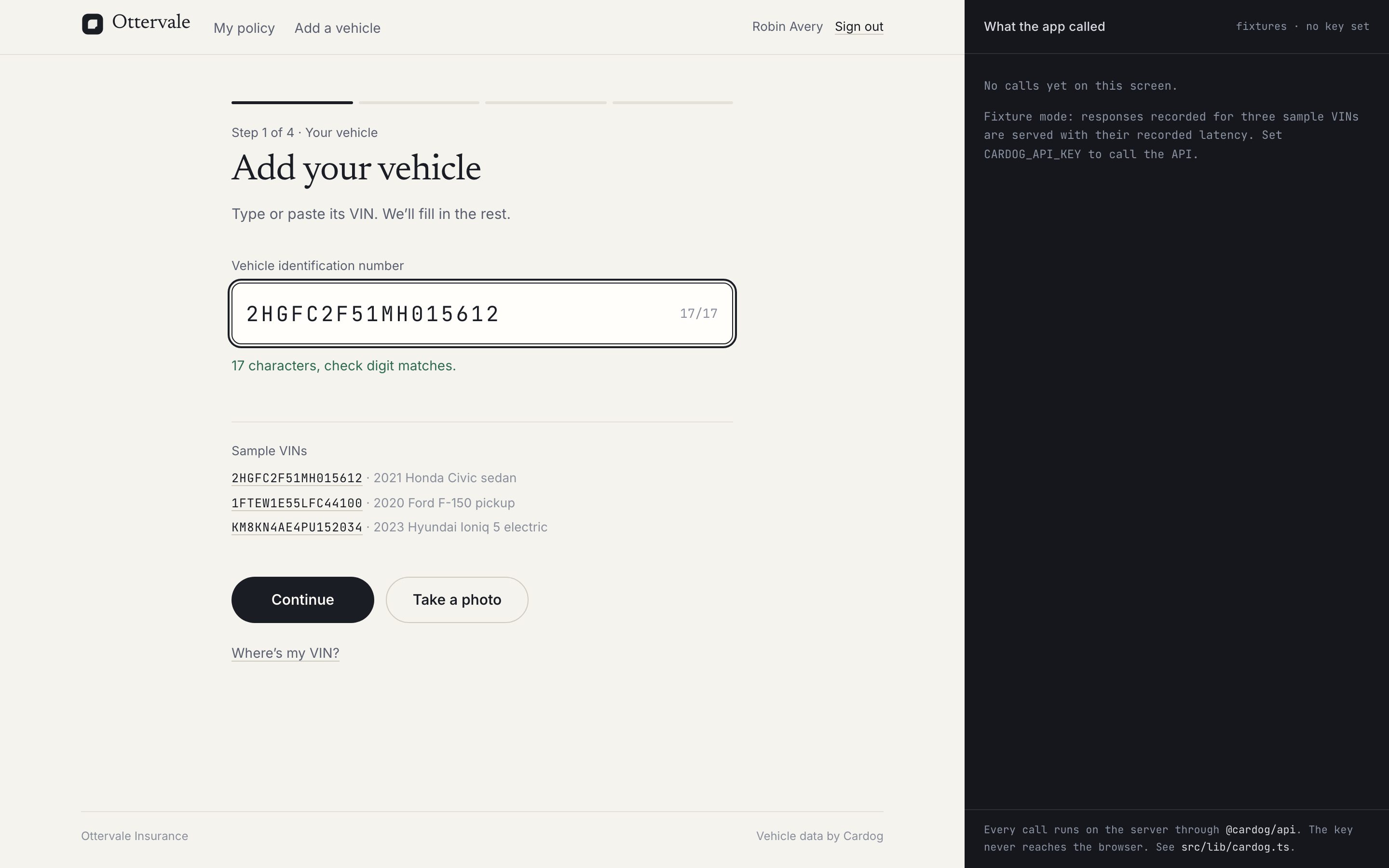
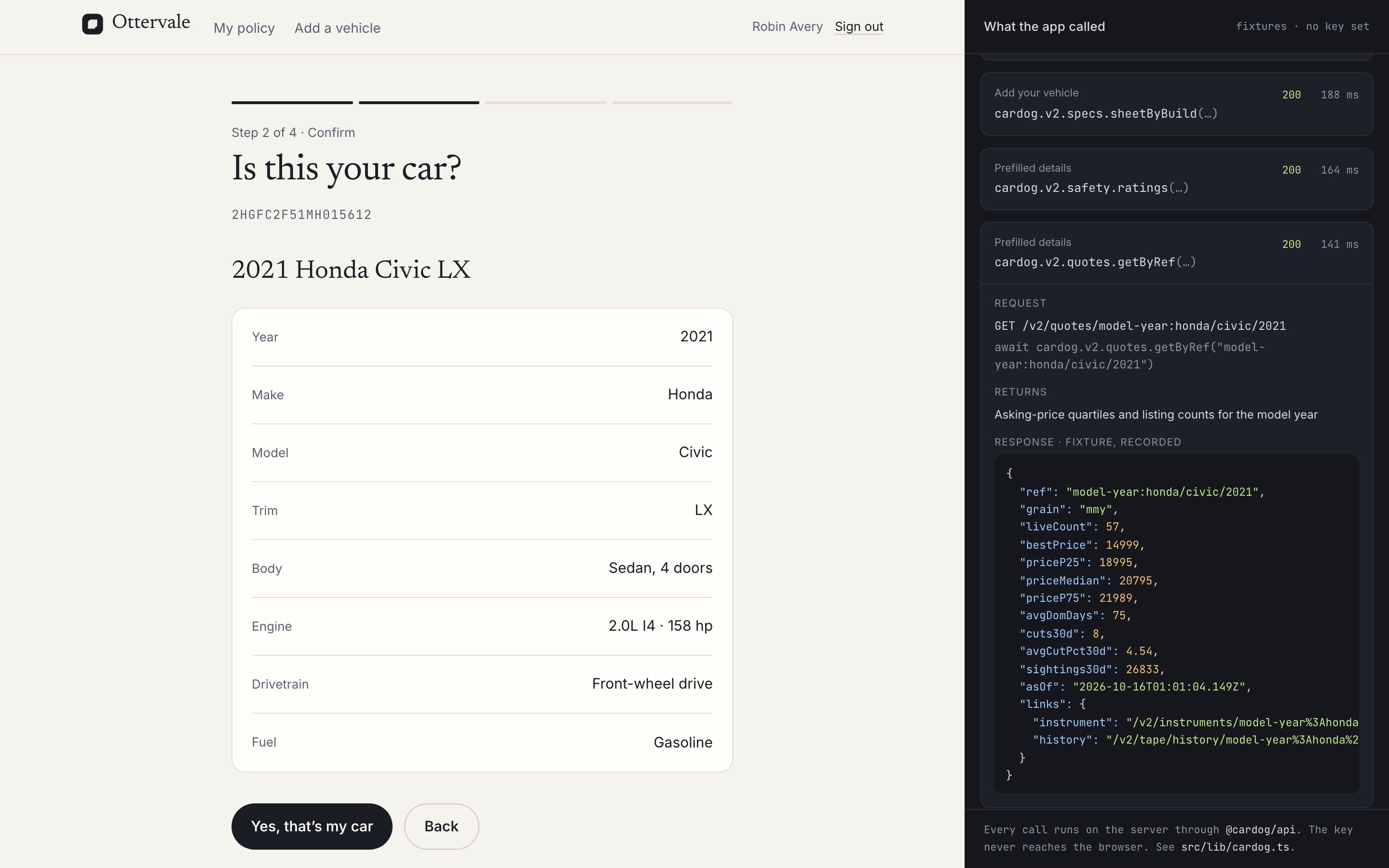
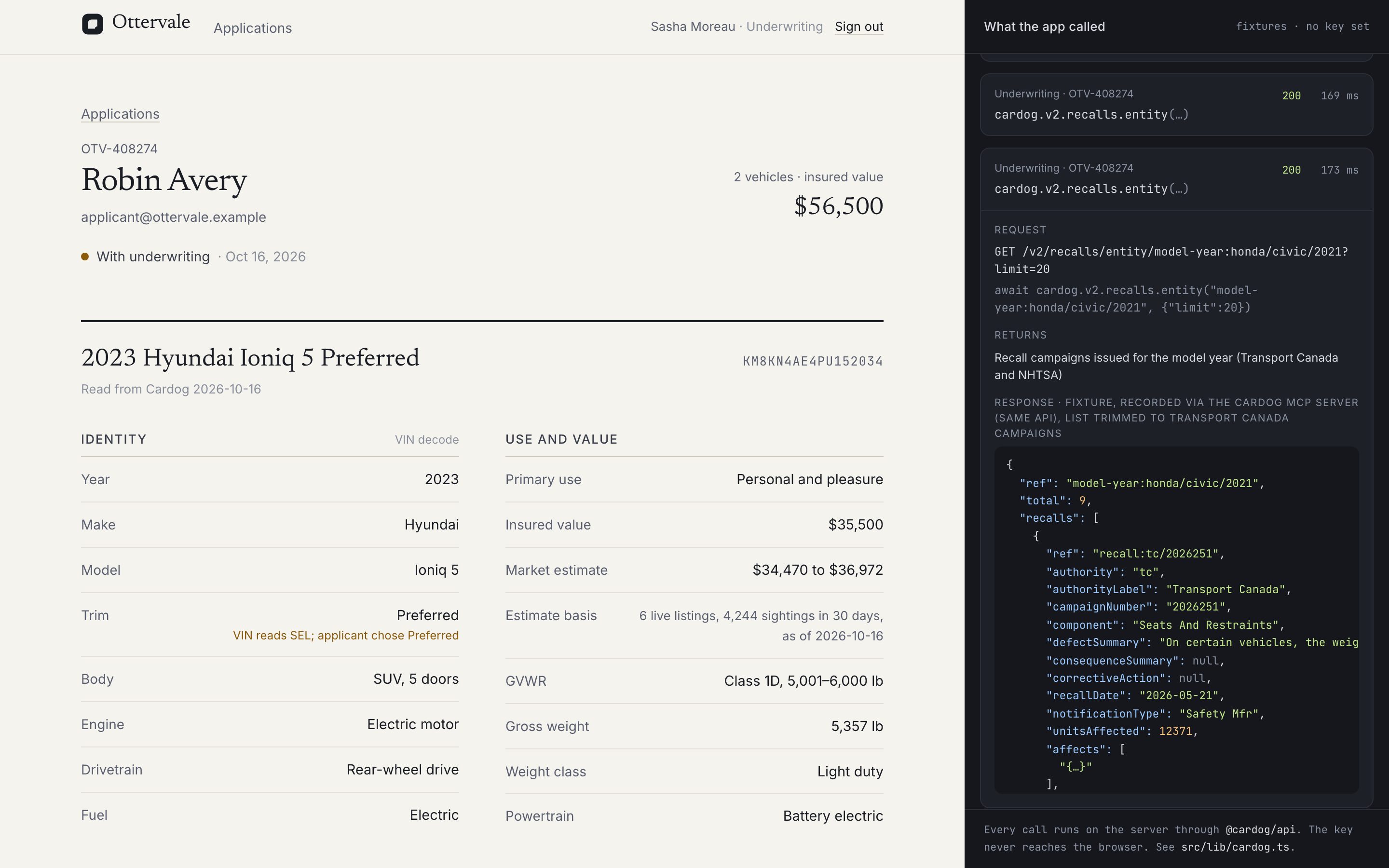
Screens from the running sample app. Pick one.
Built on the Cardog SDK
6 calls, one server file
Every call runs on the server through @cardog/api. The key never reaches the browser.
cardog.vin.image(base64)
Reads the VIN from a photo of the door-jamb sticker.
cardog.v2.vin.getByVin(vin)
Decodes the VIN to the vehicle and the refs every other call takes.
cardog.v2.specs.sheetByBuild(nano)
The build's spec sheet and the trims it can be.
cardog.v2.safety.ratings(modelYearRef)
Crash ratings and listed safety equipment.
cardog.v2.quotes.getByRef(modelYearRef)
Asking-price quartiles from live listings, for the value range.
cardog.v2.recalls.entity(modelYearRef)
Recalls issued for the model and year, for the underwriter.
Build it yourself
Thirteen steps, from an empty folder to a deployed container.