Kitebay · A charging network
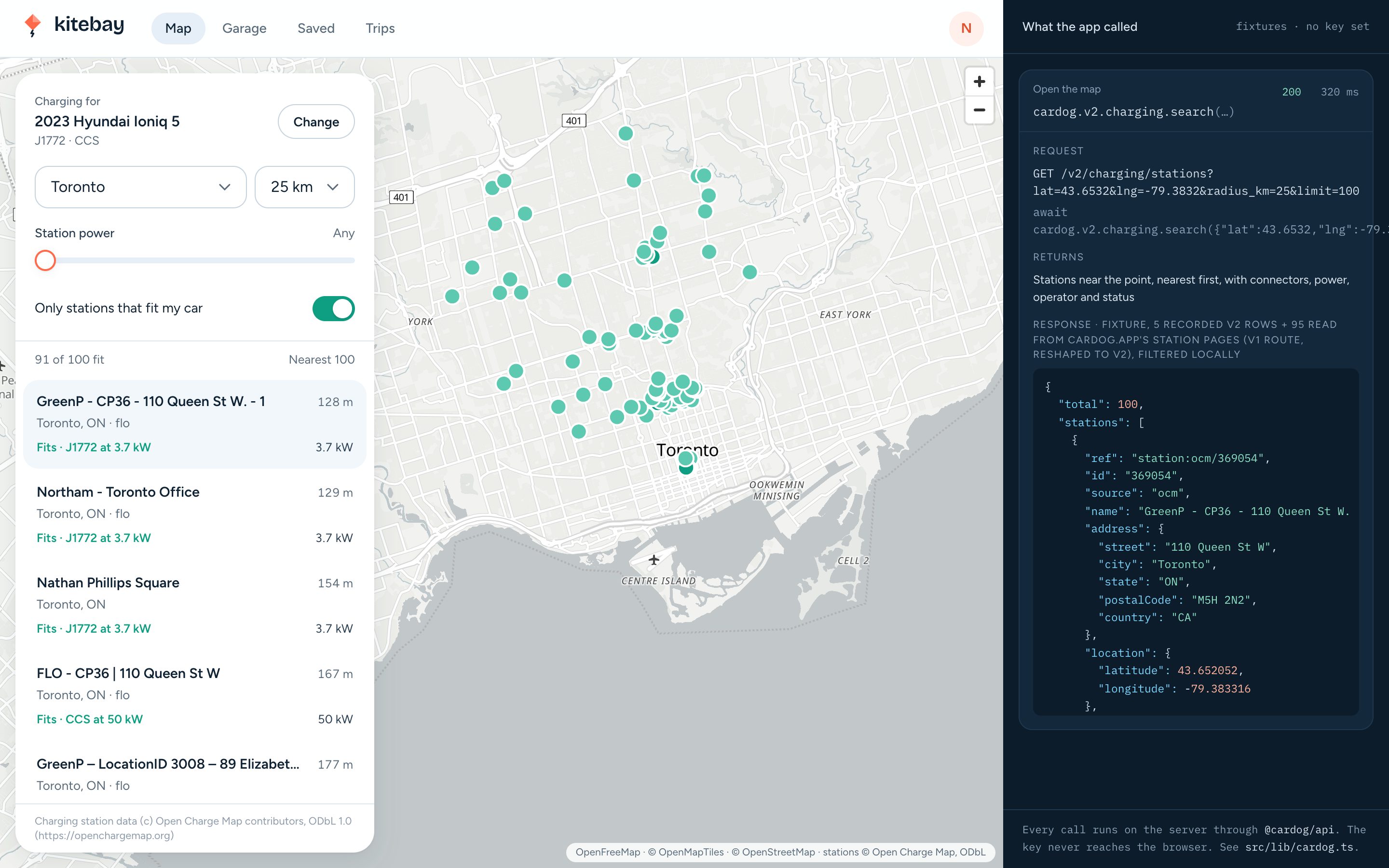
An EV charging map that knows the car
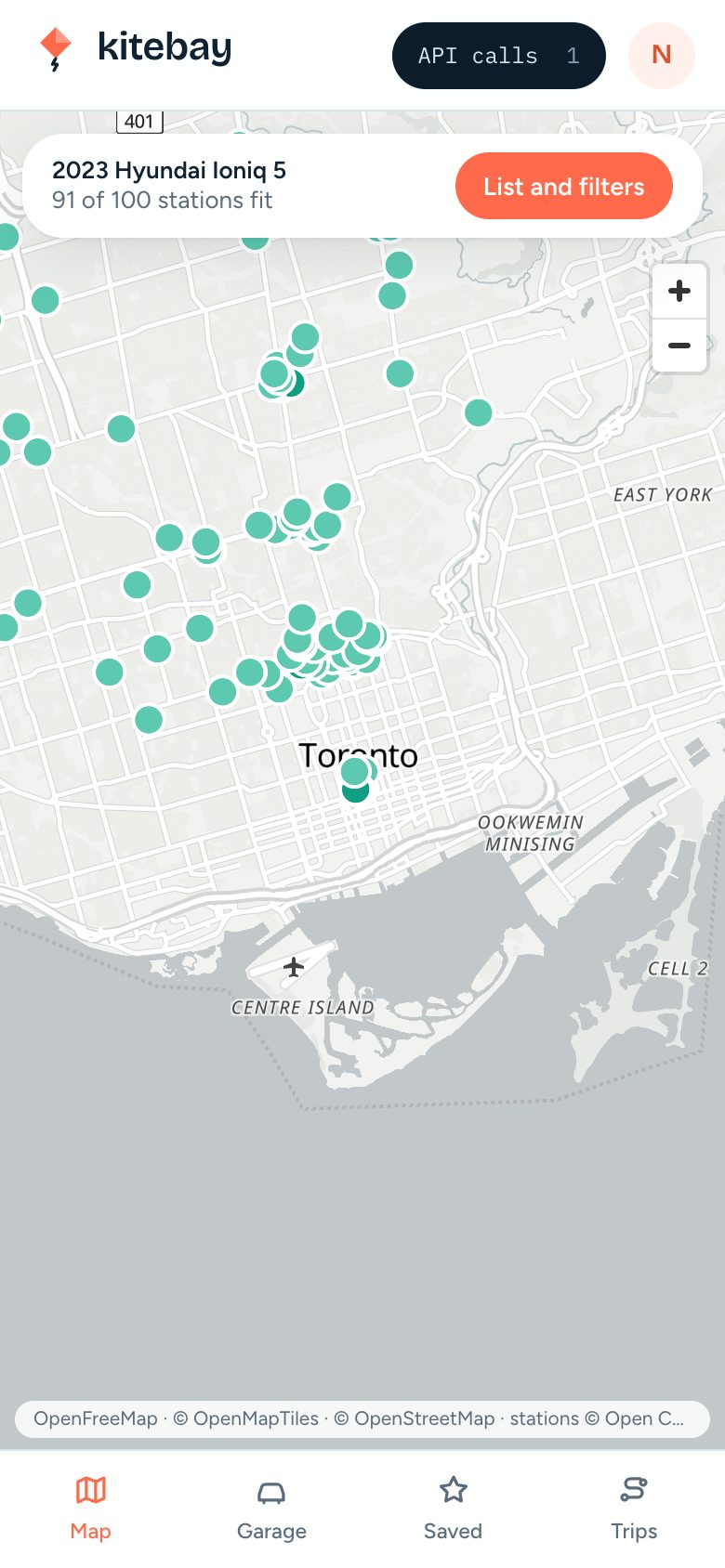
Drivers add their EV by VIN and see the stations it can use.
About 45 minutes, or 5 to clone and run.You need Node 20 or later and pnpm, a Cardog API key, some Next.jsClone the finished appgit clone https://github.com/cardog-ai/example-ev-charging-map.gitRead the build guide
Kitebay
Every station, for this car
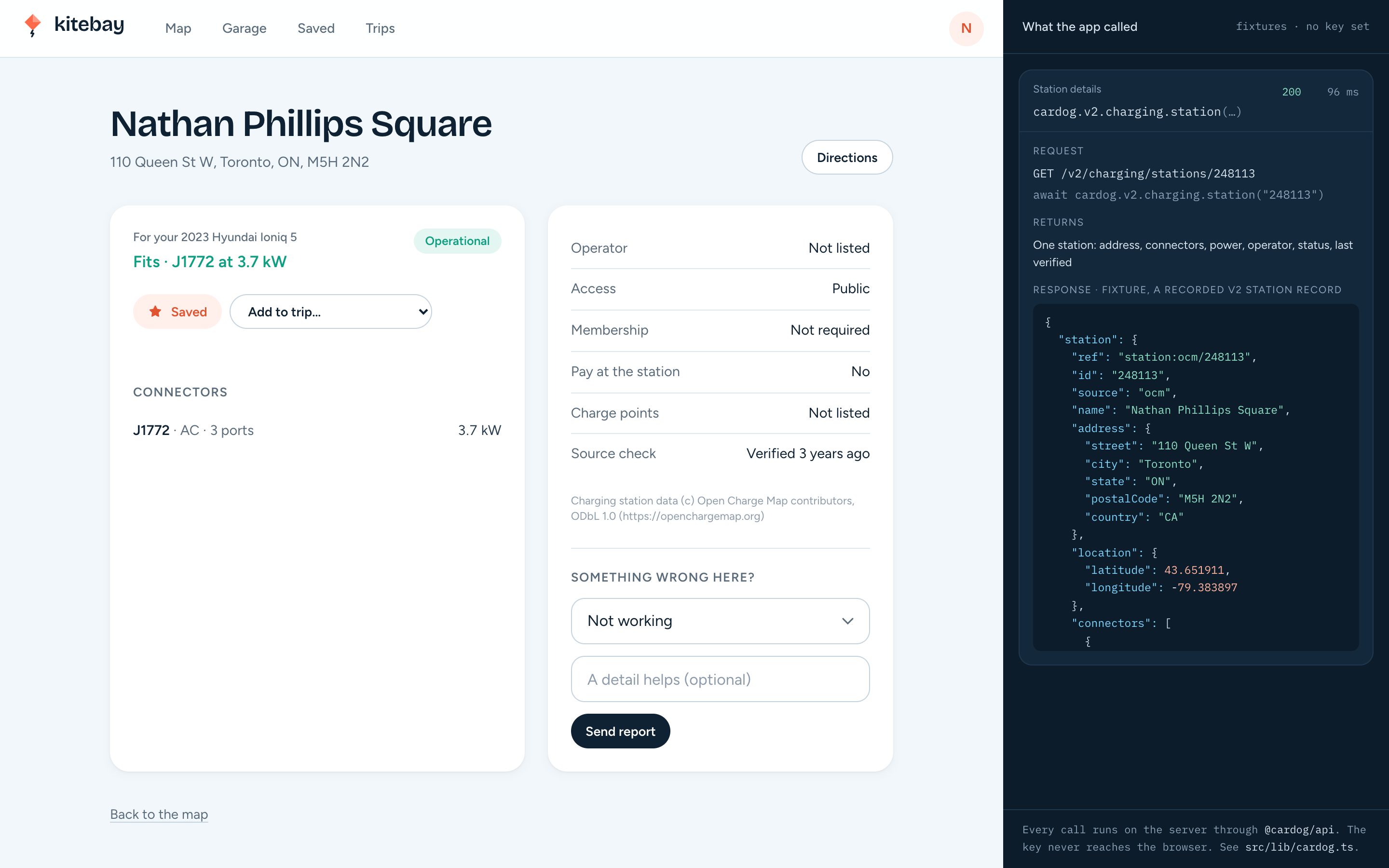
A station page says whether the driver's car can plug in, and how fast.
Fits
Connector and power matched to the car's VIN.
Connectors
Ports and kilowatts from the network's record.
Report a problem
Drivers flag a broken charger from the page.
The finished app
Kitebay, screen by screen
Captures from the running sample app, in the order a person meets them.
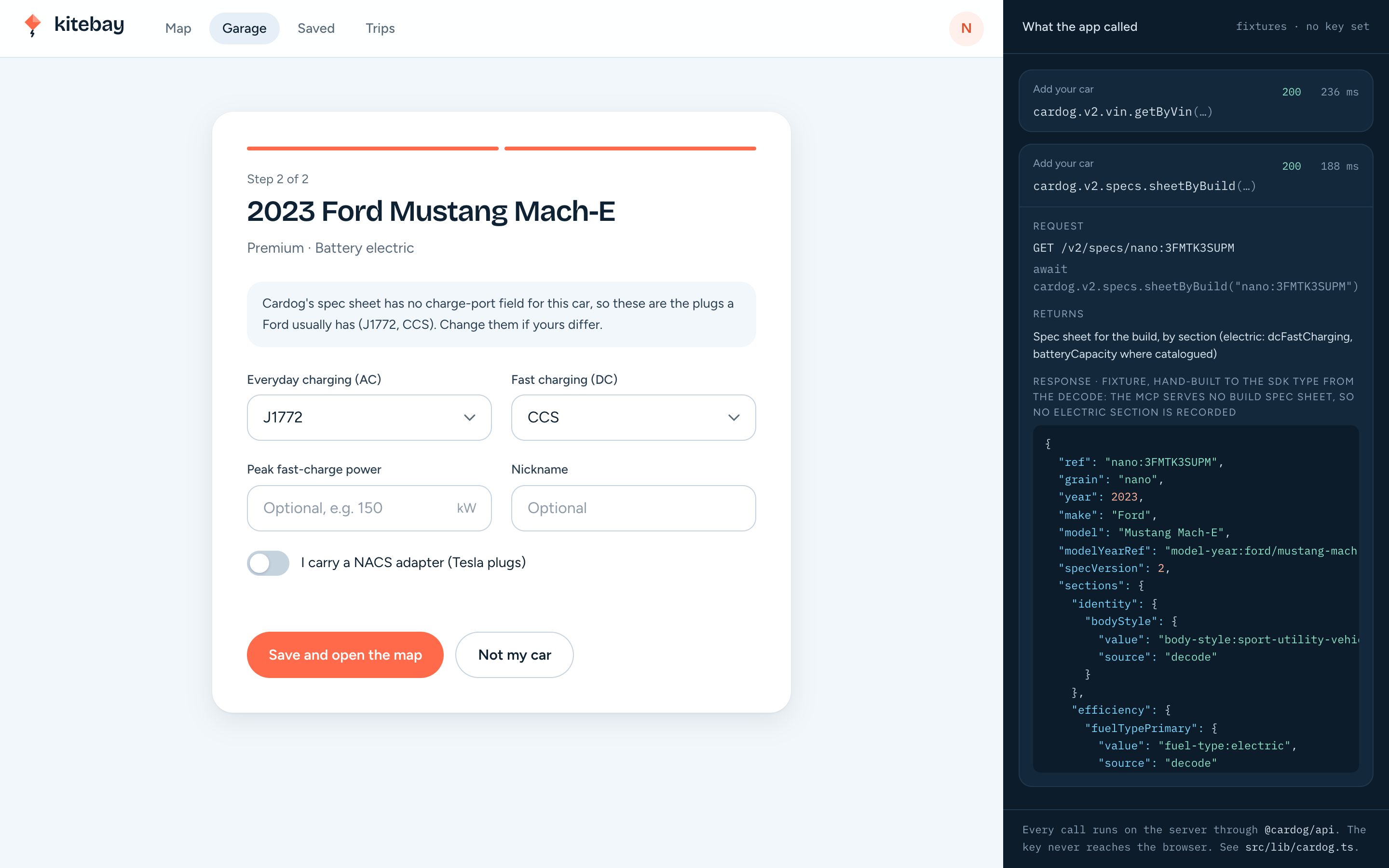
01Add your car
Decoded from the VIN, plugs confirmed
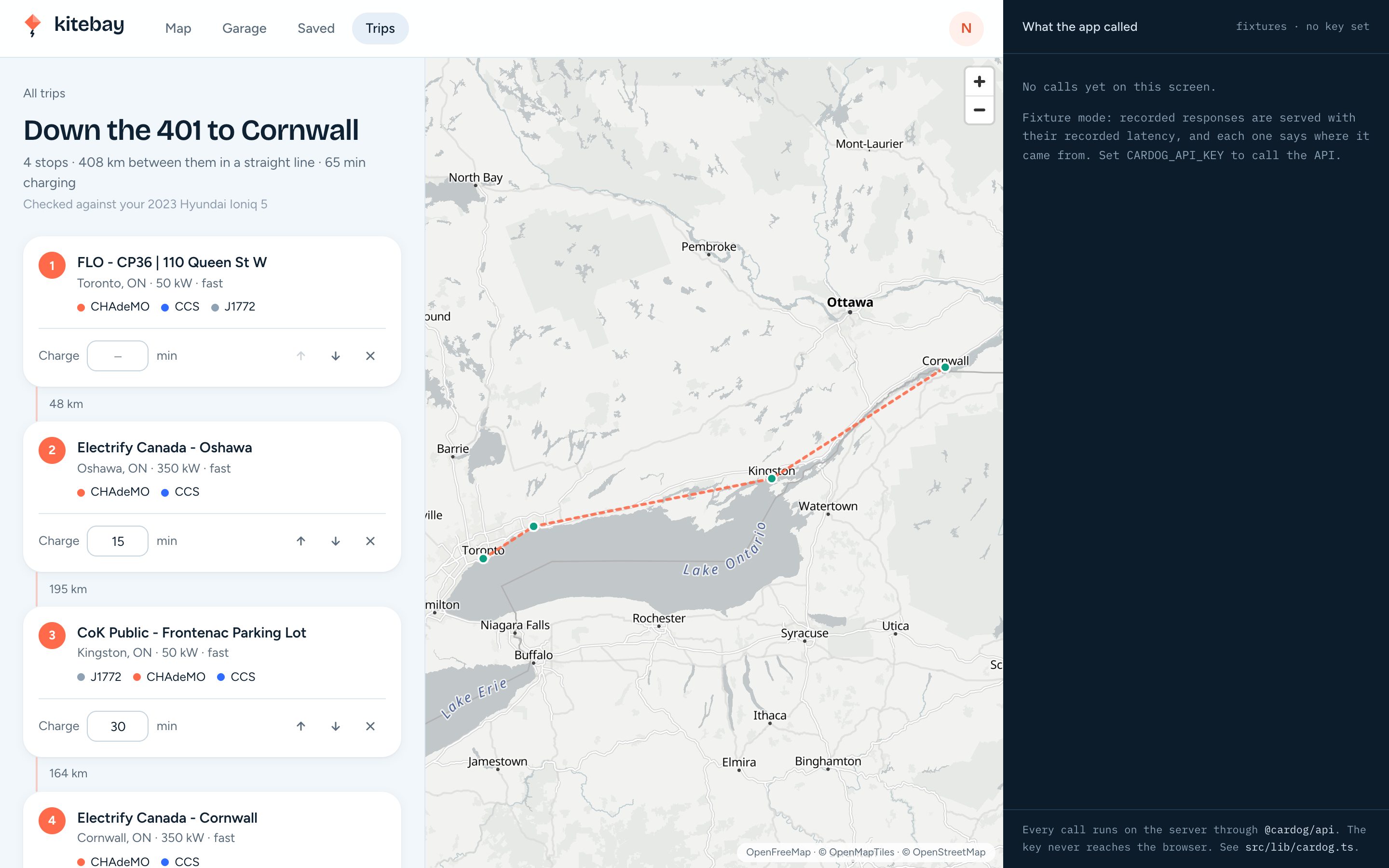
02A trip
Stops in order, with charge time
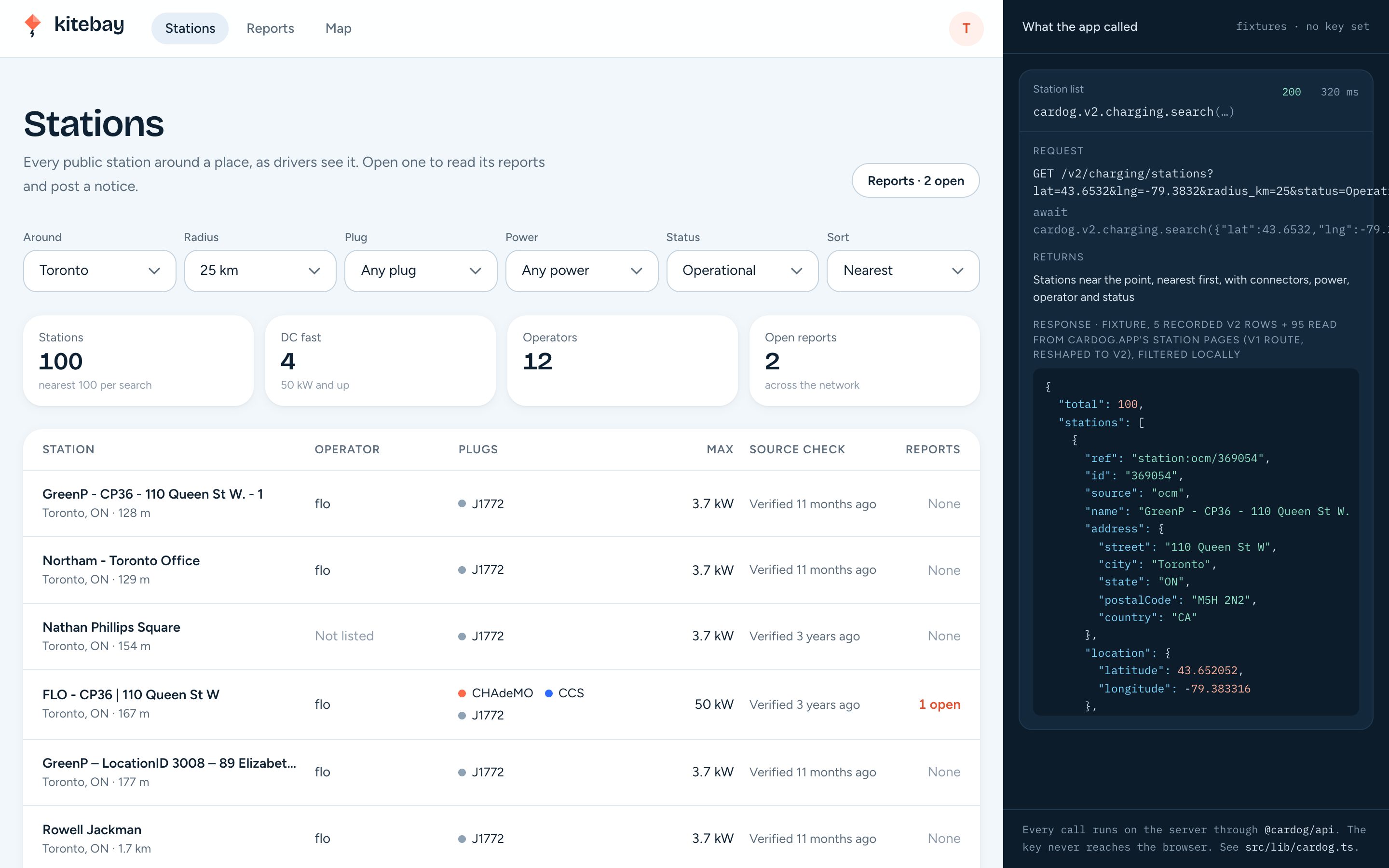
03Network admin
Stations around a place, and reports
Built on the Cardog SDK
4 calls, one server file
Every call runs on the server through @cardog/api. The key never reaches the browser.
cardog.v2.vin.getByVin(vin)
Decodes the VIN and says whether the car plugs in.
cardog.v2.specs.sheetByBuild(nano)
DC fast charging and battery capacity, where catalogued.
cardog.v2.charging.search(params)
Stations near a point, by connector, power and status.
cardog.v2.charging.station(id)
One station read fresh, for its page, favourites and trips.
Build it yourself
Thirteen steps, from an empty folder to a deployed container.